Press kit
Everything you need to write about Input Stats.
Use any of this freely. Questions: open an issue or email michael@drummerduck.com.
One-liners
- Input Stats counts your keystrokes, clicks and scroll in the macOS menu bar — and never records what you type.
- A tiny, open-source Mac app that turns your keyboard and mouse activity into charts, streaks and a shareable profile.
- Find out whether you're a night owl or a nine-to-fiver: Input Stats maps your typing by hour of day, from counts only.
Facts
- Price
- Free. No paid tier, no billing.
- Platform
- macOS 14+ (Apple Silicon and Intel). Open source on GitHub.
- Install
- brew install --cask mewc/tap/input-stats, or download the zip.
- What it counts
- Keys, left/right/other clicks, scroll ticks, pointer distance, and per-app key counts.
- What it never collects
- Typed characters, key codes, shortcuts, window titles, URLs, document names, clipboard, screenshots.
- Local storage
- SQLite on your Mac; five-second buckets kept 30 days; daily totals forever.
- Cloud (optional)
- Google sign-in. One-minute numeric summaries, signed per device. Private dashboard, exports, restore points, delete anytime.
- Public profile
- Off by default. Opt-in page, live Open Graph card, README badge, and a separate opt-in for the weekly leaderboard.
- Community analytics
- Coarse app categories only, published only when 20+ accounts contribute to an hour.
- Lineage
- A fork of Typing Stats by Guillermo Rauch, extended by mewc.
Assets
 App icon 1024
 App icon 512
 App icon 256
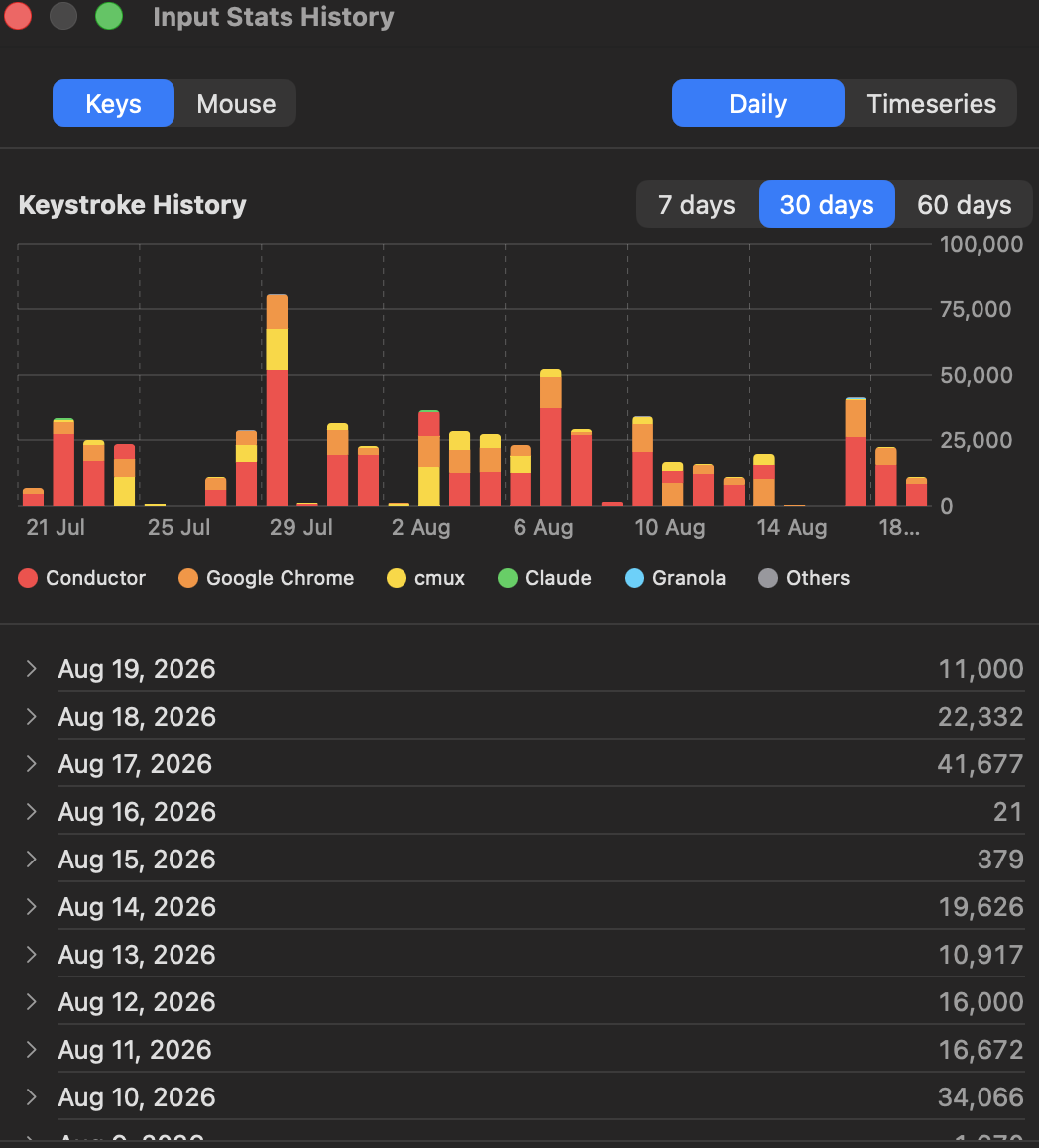 Screenshot — keystroke history
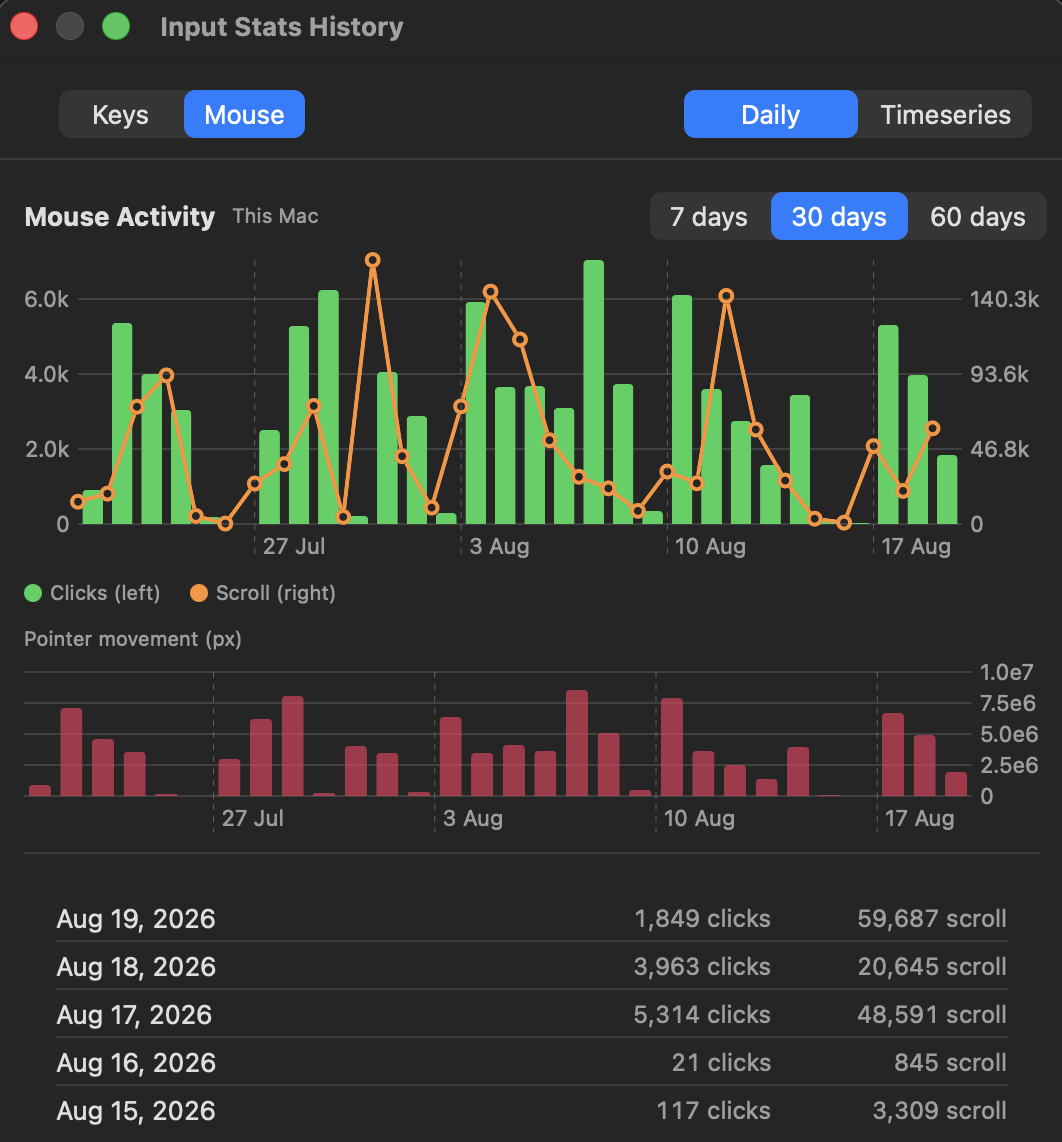 Screenshot — mouse activity
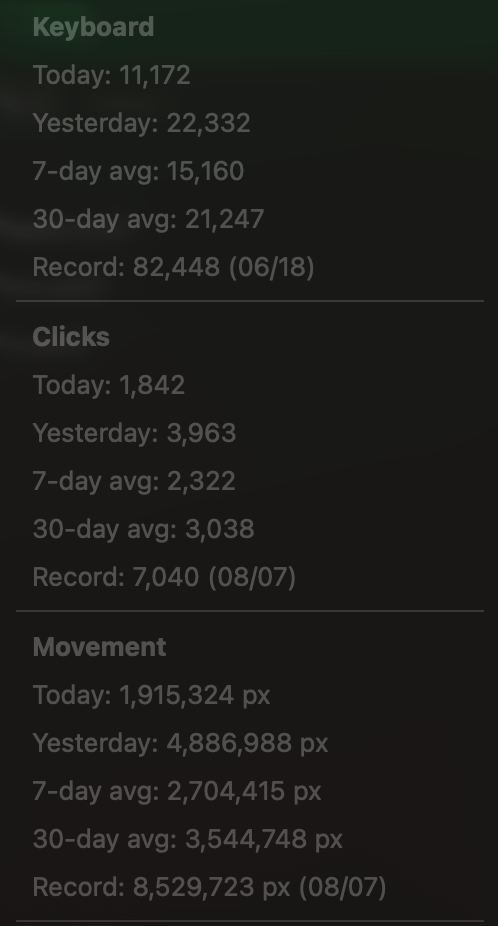 Screenshot — menu bar
Badge
Every public profile has a live SVG badge. Example Markdown:
[](https://input-stats.drummerduck.com/u/HANDLE)
Links
- Website: https://input-stats.drummerduck.com
- Source: https://github.com/mewc/input-stats
- Latest release: https://github.com/mewc/input-stats/releases/latest
- Homebrew tap: github.com/mewc/homebrew-tap
- Privacy: https://input-stats.drummerduck.com/privacy